





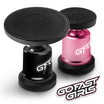
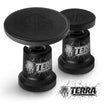
Applying Mounting Discs
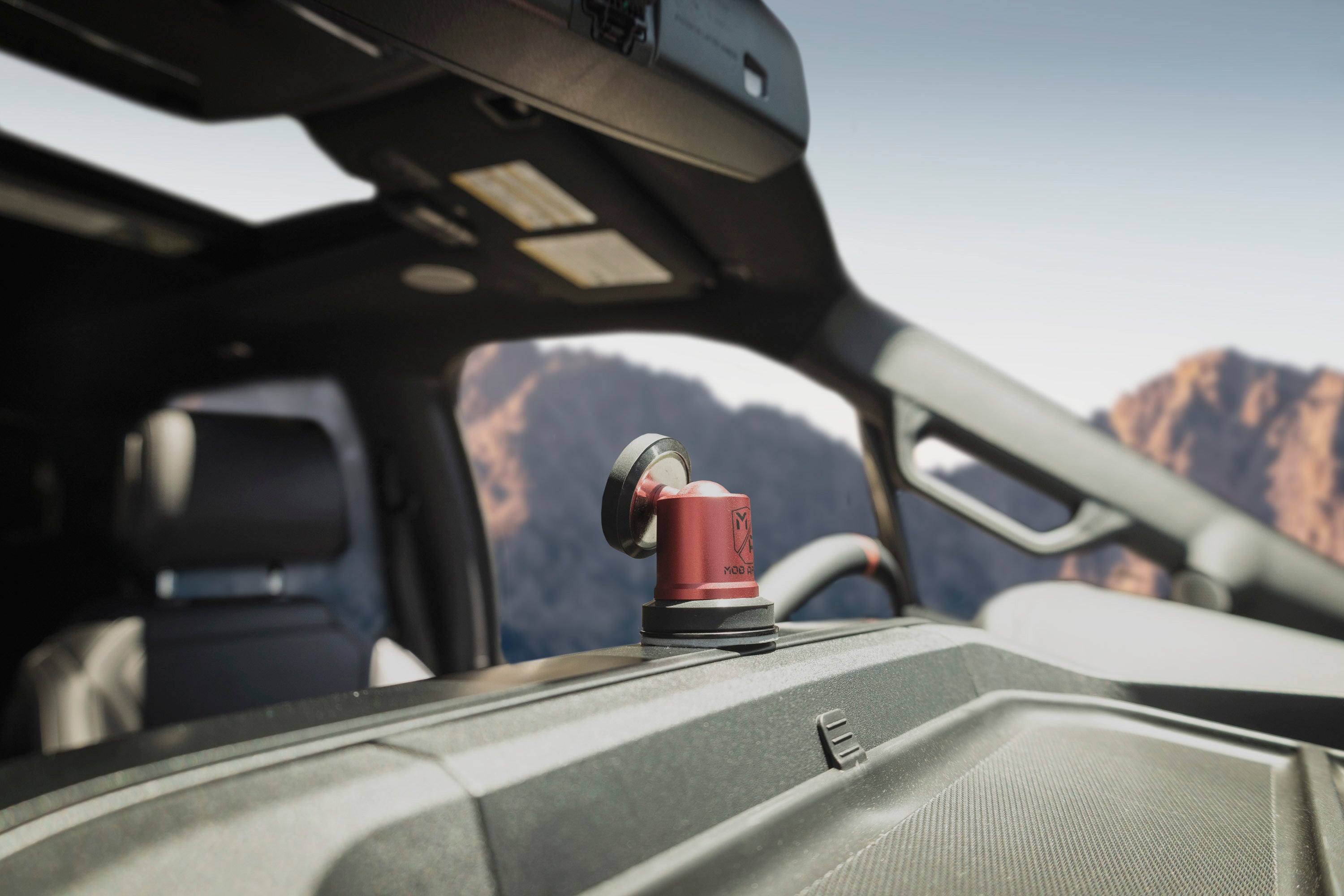
Video
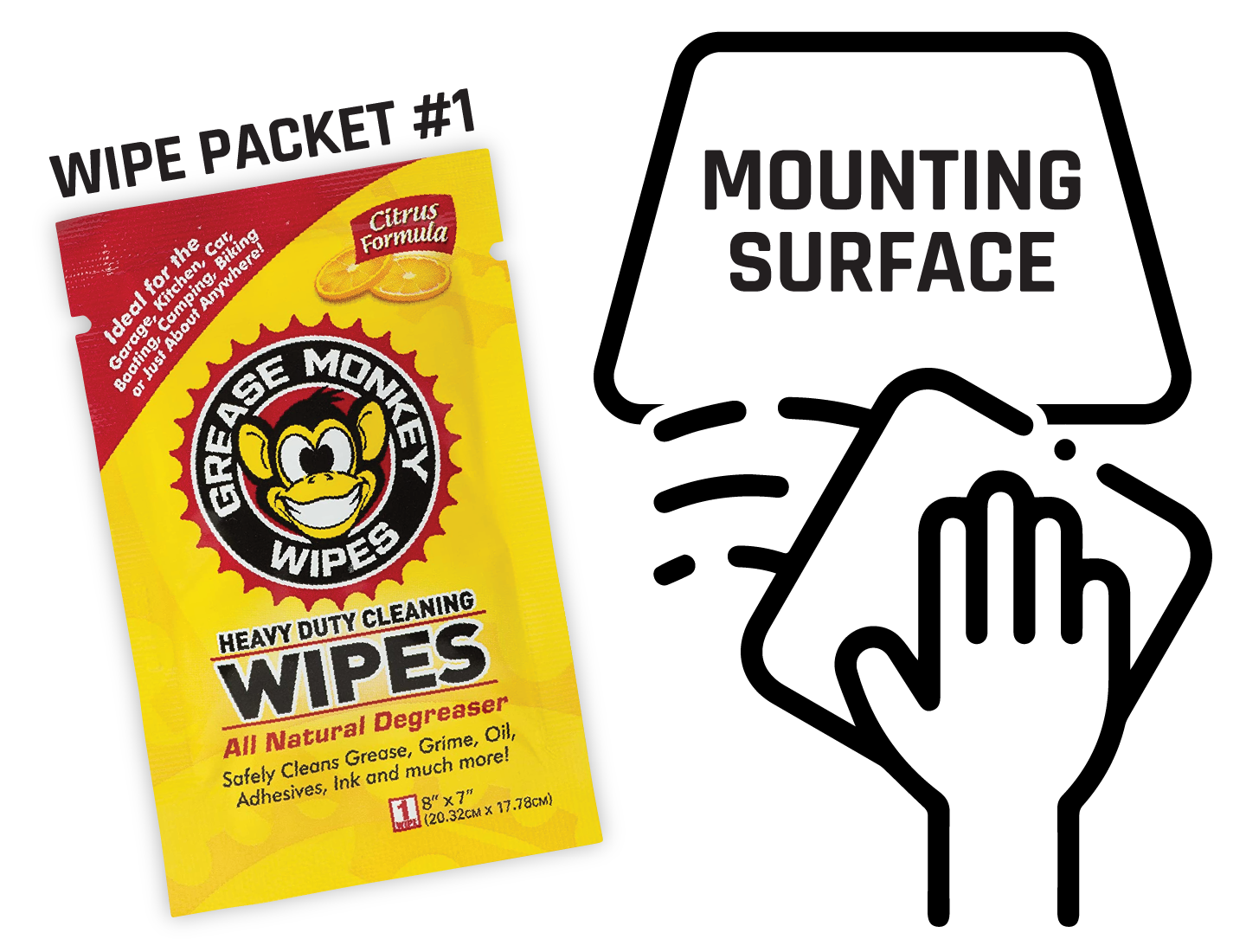
Step One
Thoroughly clean the mounting surface with the included degreasing wipes.
Step Two
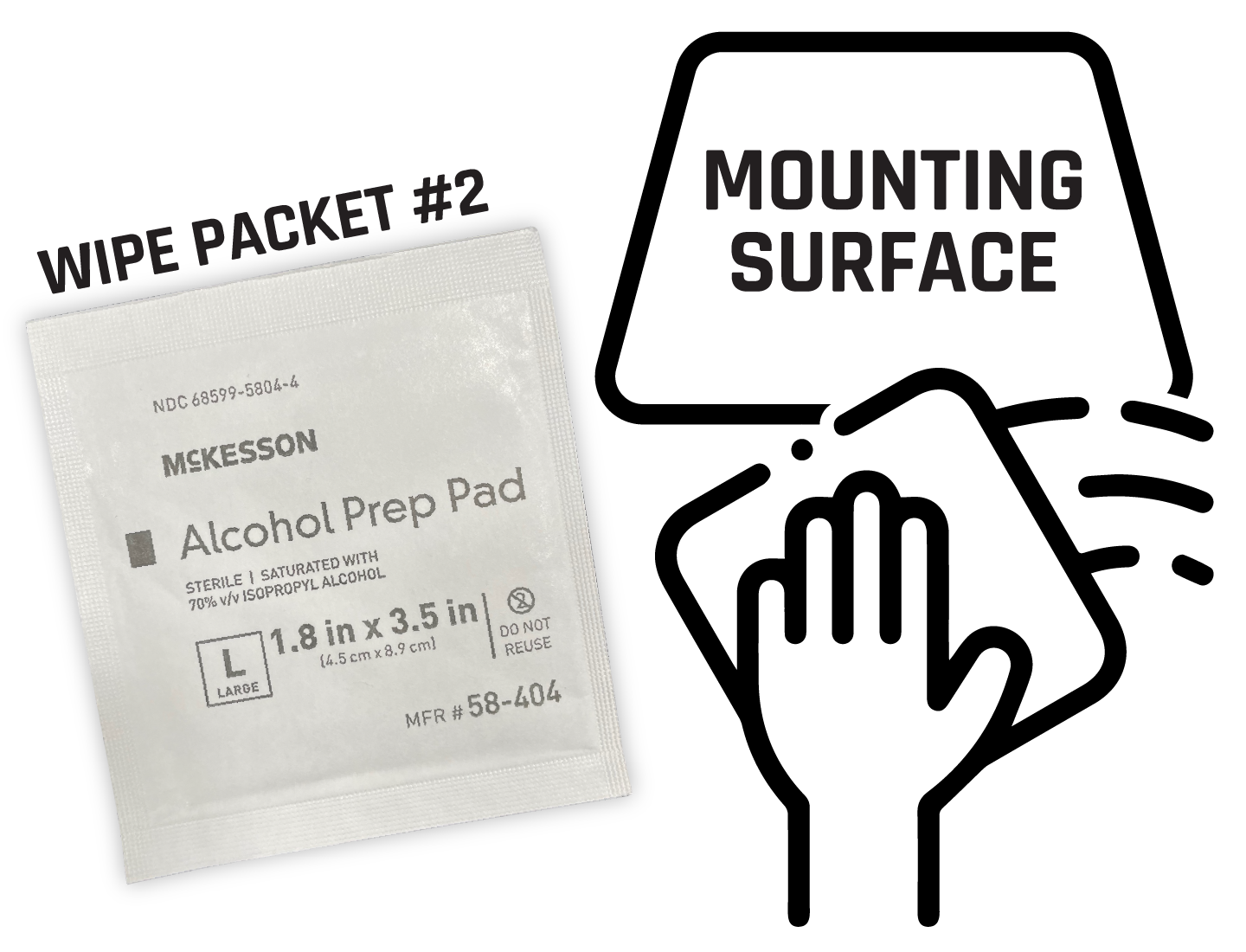
After the degreasing wipe residue has dried, thoroughly clean the surface again with the included alcohol prep pad.

Step Three
Once thoroughly cleaned, allow the surface to dry for at least 60 seconds. There should be no visible cleaning product left.
Step Four
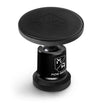
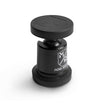
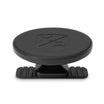
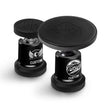
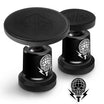
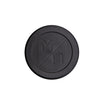
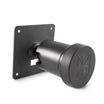
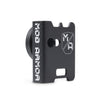
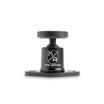
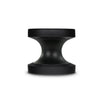
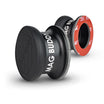
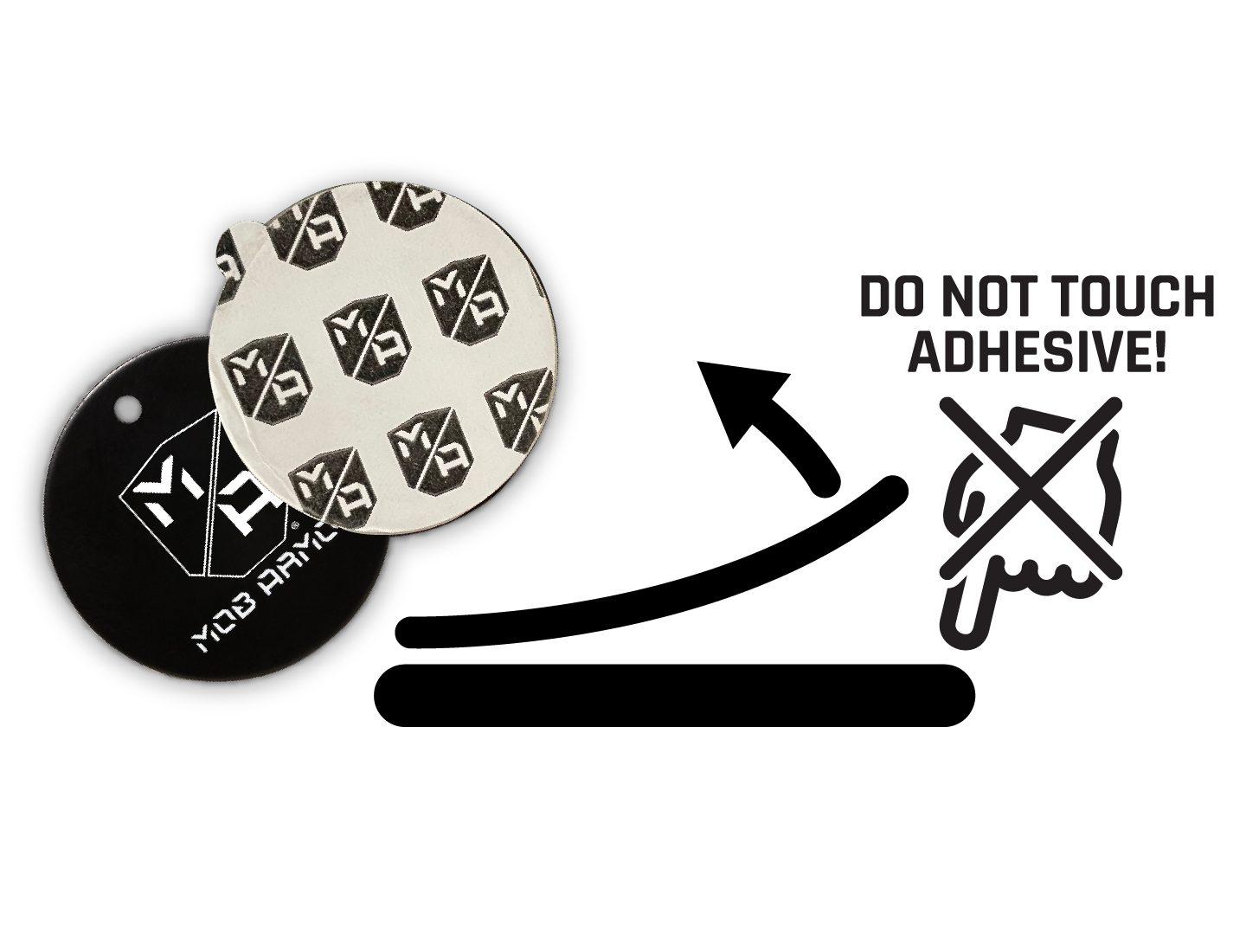
Peel the protective backing off of the adhesive side of the mounting disc. Be careful to not touch the exposed adhesive.
Step Five
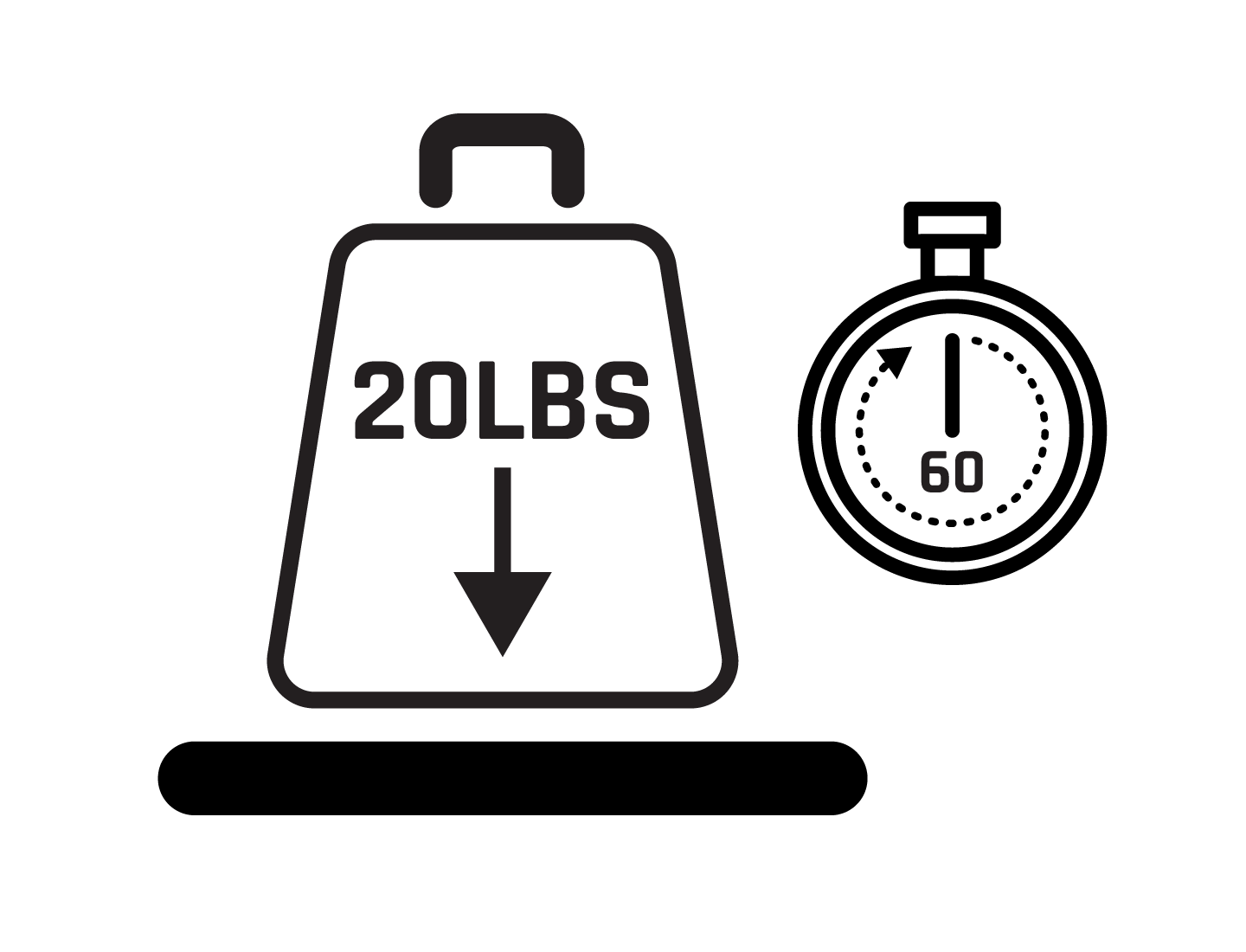
Place the Mounting Disc on the cleaned mounting surface. Press disc down firmly for at least 60 seconds to ensure strongest bond.
Step Six
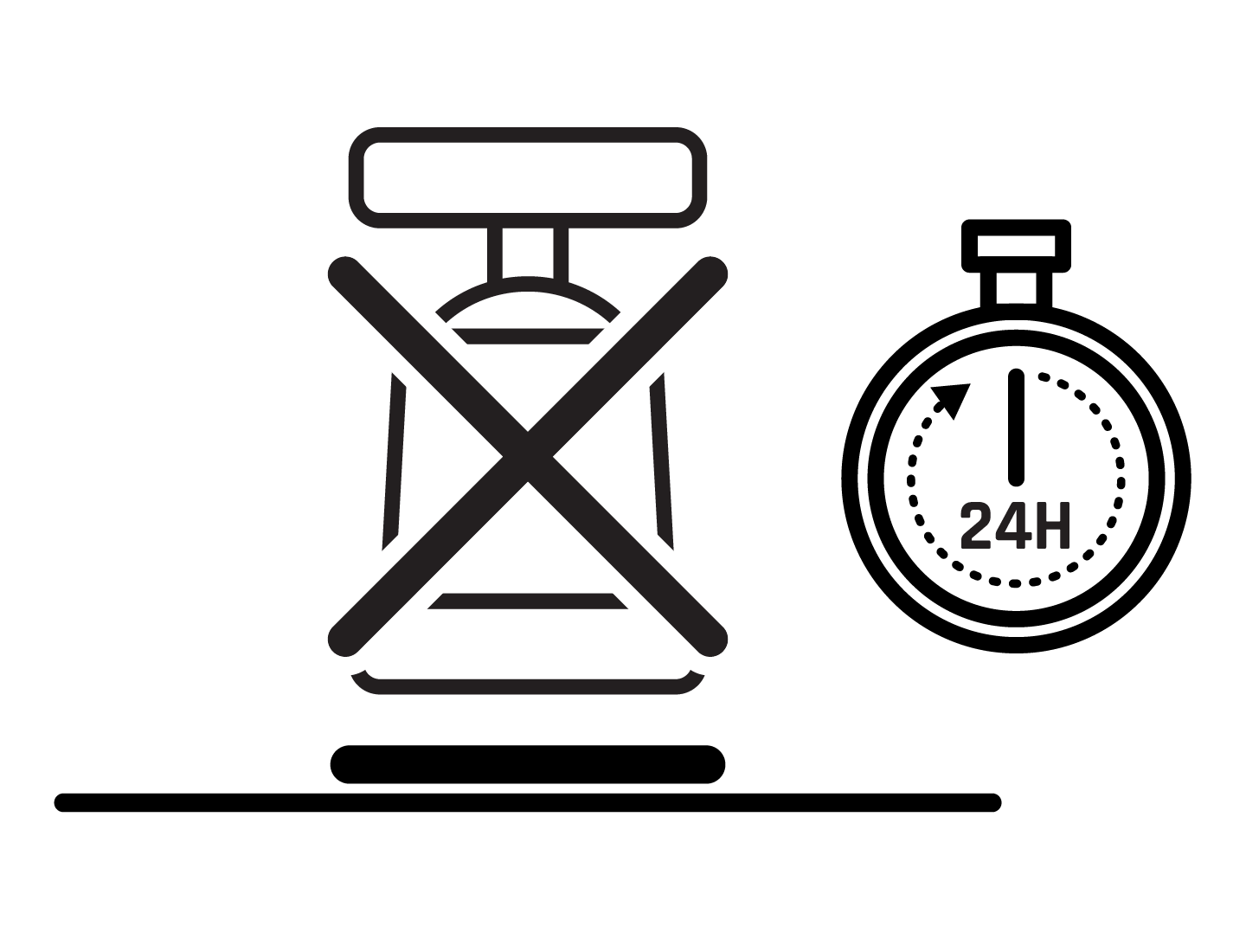
Allow Mounting Disc adhesive to set for at least 24 hours (48 hours in warmer temperatures) before any use. Do not attach any mount during this time.